Game mode on or off is a common question for mobile users and gamers. It decides how your phone behaves during games. Game mode improves speed, reduces lag, and blocks alerts. It can also save battery in some cases. Many users are confused about when to turn it on or off. This guide explains everything in simple words. You will learn how game mode works and when to use it. It is important for smooth gaming. It also helps improve performance in heavy games like PUBG and Free Fire. Keep reading to make the best choice for your phone and gaming style.
Quick Summary Box
- Game mode is a phone feature for better gaming performance
- “On” means better speed, fewer notifications, smoother gameplay
- “Off” means normal phone use with full background activity
- Helps reduce lag and improve FPS in games
- Can save battery in optimized conditions
- Found in Android and iPhone devices
- Best used during heavy gaming sessions
What Does Game Mode Mean?
Game mode is a mobile feature designed to improve gaming performance. It works by adjusting system settings for faster speed, reducing background apps, and blocking notifications. As a result, games run more smoothly with less lag. Most modern smartphones include this feature.
Game Mode On or Off:
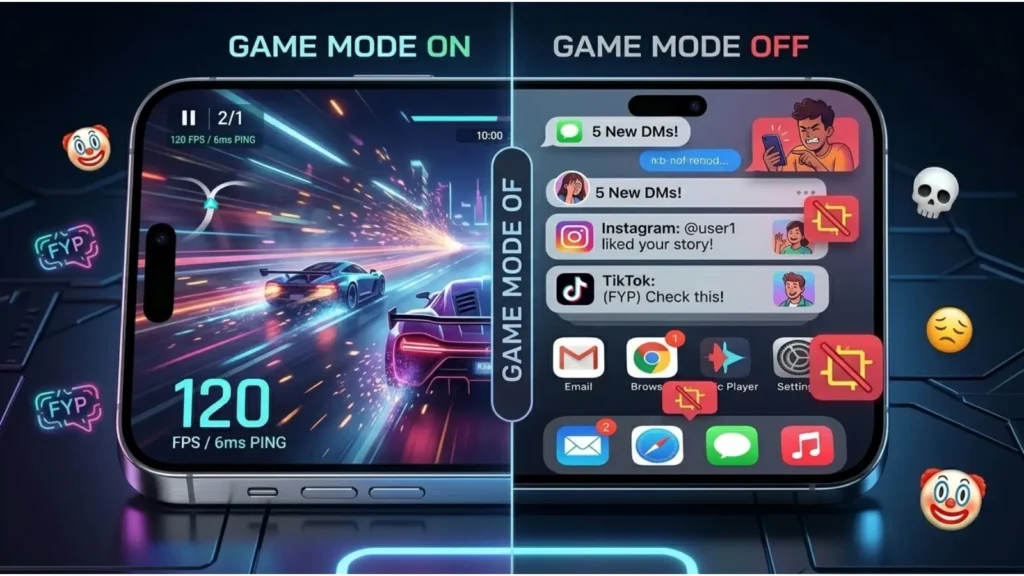
When game mode is ON, your phone focuses on gaming. It blocks distractions and boosts performance. When game mode is OFF, your phone works normally. All apps and notifications run freely.
So, it is a switch between:
- Gaming performance mode (ON)
- Normal phone usage mode (OFF)
How Game Mode Works on Smartphones
Game mode works by changing system behavior. It manages CPU, RAM, and notifications.
Here is what it does:
- Stops background apps
- Reduces lag
- Boosts CPU performance
- Improves frame rate (FPS)
- Blocks calls and alerts
- Enhances touch response
Phones from companies like Samsung, Apple, and Xiaomi use smart optimization systems for gaming.
Game Mode ON: Key Benefits
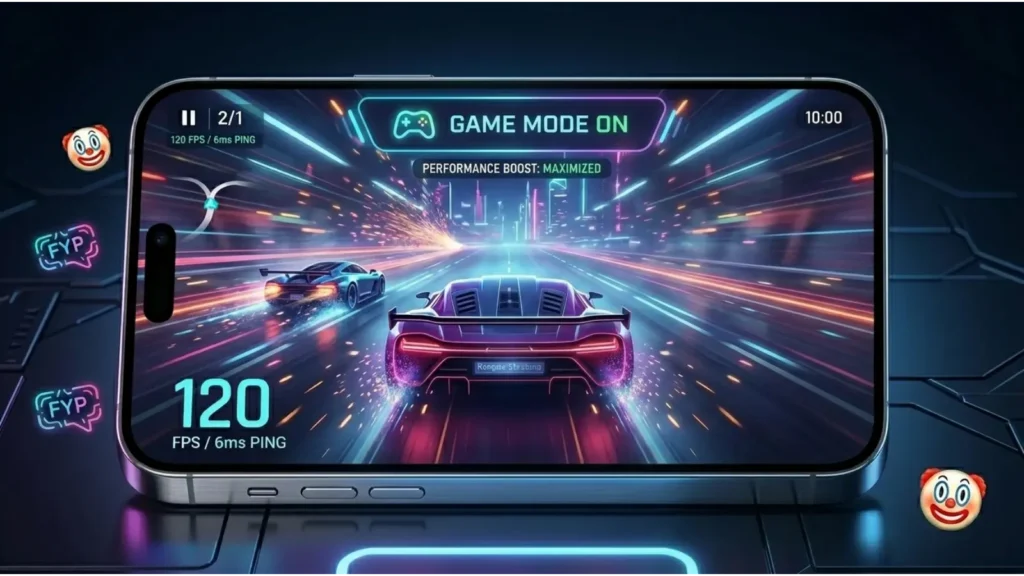
Turning game mode ON gives many advantages:
1. Better Speed
Games load faster and run smoother.
2. Less Lag
It reduces frame drops during gameplay.
3. No Interruptions
Notifications and calls are blocked.
4. Higher FPS
Improves frame rate in heavy games.
5. Focus Mode
You stay fully focused on gaming.
Game Mode OFF: When Should You Use It?
Game mode OFF is useful in some cases:
- When you are not gaming
- When you need notifications
- When saving battery in light usage
- When multitasking is required
- When using social apps
OFF mode keeps your phone fully active for daily tasks.
Game Mode ON or OFF for Battery Life
Battery usage depends on how you use game mode.
Game Mode ON:
- Uses more power in high-performance games
- Optimizes CPU usage for gaming
- Can drain battery faster in long sessions
Game Mode OFF:
- Saves battery during normal usage
- No extra performance boost
- Background apps consume resources
So, use ON only when gaming.
Game Mode Impact on Performance and FPS
Game mode improves performance in many ways:
- Increases FPS stability
- Reduces lag spikes
- Improves touch response
- Enhances graphics handling
This is important for competitive gaming like PUBG Mobile or Free Fire.
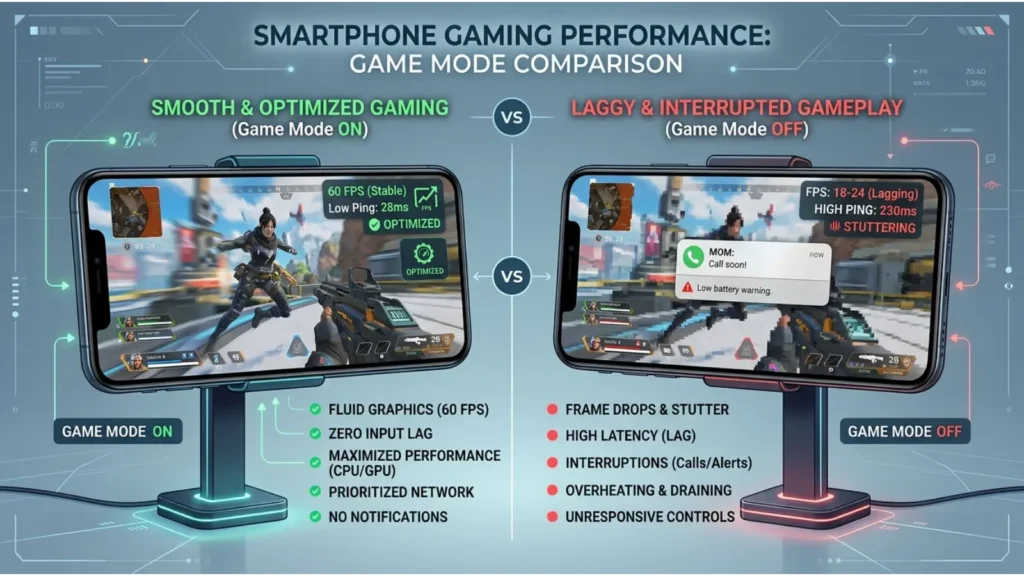
Without game mode, you may experience:
- Lag
- Frame drops
- Slow response
Comparison Table: Game Mode ON vs OFF
| Feature | Game Mode ON | Game Mode OFF |
| Performance | High | Normal |
| Notifications | Blocked | Allowed |
| Battery Usage | Higher | Lower |
| Gaming Experience | Smooth | Average |
| Background Apps | Limited | Active |
| FPS Stability | Better | Lower |
Real-Life Examples of Game Mode Usage
Here are simple examples:
Example 1: PUBG Mobile
Game mode ON improves smooth gameplay and reduces lag.
Example 2: Watching Videos
Game mode OFF is better for multitasking.
Example 3: Social Media Use
OFF mode allows messages and calls.
Example 4: Competitive Gaming
ON mode gives better response and speed advantage.
Common Mistakes People Make
Many users misuse game mode. Here are common mistakes:
- Keeping game mode ON all the time
- Not updating phone software
- Using too many background apps
- Expecting extreme FPS boost on old phones
- Ignoring storage space
Avoid these mistakes for better performance.
Tips to Use Game Mode Smartly
Follow these tips for best results:
- Turn ON only during gaming
- Close unused apps before playing
- Keep phone updated
- Use Wi-Fi for stable connection
- Clear cache regularly
- Use performance mode if available
Game Mode in Android vs iPhone
Different systems handle game mode differently.
Android Game Mode
Android phones offer built-in or brand-specific game tools.
Brands like Samsung and Xiaomi include advanced gaming features like Game Booster and Game Turbo.
iPhone Game Mode
Apple uses system optimization in iOS. It reduces background activity automatically during games.
Both aim to improve gaming experience but work differently.
Expert Insights (EEAT Section)
Game mode is useful but not magic. It improves system efficiency, not hardware power. Newer phones benefit more than older ones. Experts suggest using game mode only when needed. It helps reduce distractions and improves focus. It also increases system stability during gaming sessions. However, it cannot fix weak processors or low RAM devices.
Why it matters:
- Improves user experience
- Reduces interruptions
- Helps competitive gamers
- Optimizes phone resources
FAQs About Game Mode On or Off
1. What is game mode on or off?
It is a phone setting that improves or normalizes gaming performance.
2. Should I keep game mode ON all the time?
No, use it only while gaming.
3. Does game mode increase FPS?
Yes, it can improve FPS stability.
4. Does game mode save battery?
Not always. It may use more battery during gaming.
5. Is game mode safe?
Yes, it is completely safe.
6. Does iPhone have game mode?
Yes, but it works automatically in iOS.
7. Is game mode good for all games?
Yes, especially heavy games.
8. Can game mode reduce lag?
Yes, it helps reduce lag significantly.
Conclusion
Game mode on or off depends on your usage. If you want smooth gaming, turn it ON. It improves speed, reduces lag, and blocks distractions. If you are using your phone for normal tasks, keep it OFF. It helps save battery and keeps notifications active. Game mode is not a magic fix, but it improves performance in many situations. Phones from Samsung, Apple, and Xiaomi offer strong gaming features for better experience. The best choice is simple: ON for gaming, OFF for daily use. Use it wisely to get the best balance between performance and battery life.